|
|
USC |
Memo
To: MAC Users
From: Keith Heberling
CC: Frank Juarez
Date: 9/22/2015
Re: Laptop Encryption for MAC’s
Laptop Encryption
Per ITS new policy, this is a document to provide details on turning on file vault for all MAC laptops.
- Open System Preferences
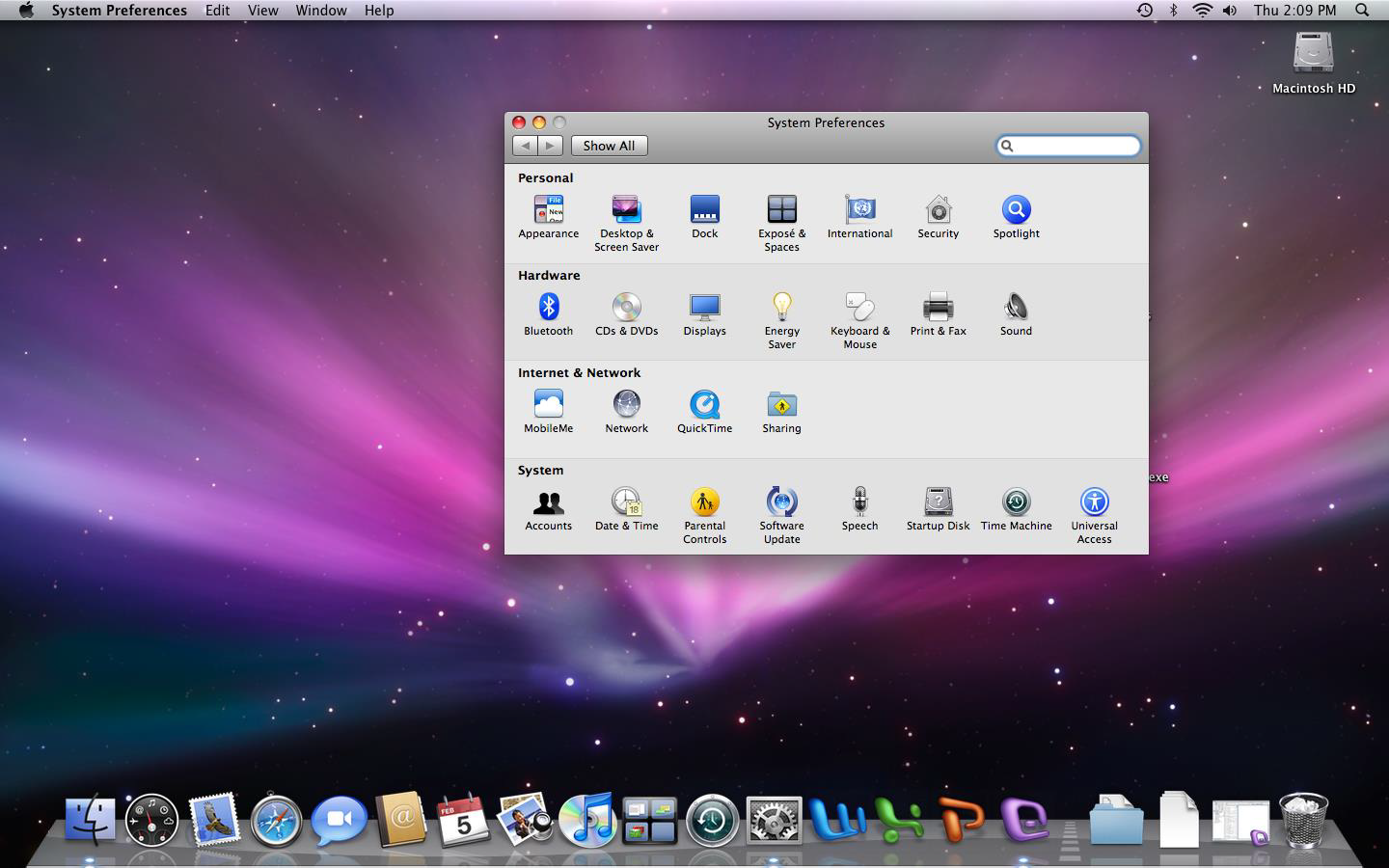
- Click on security icon
- Set a master password for the computer (this is different than the users password)
- Turn on file vault
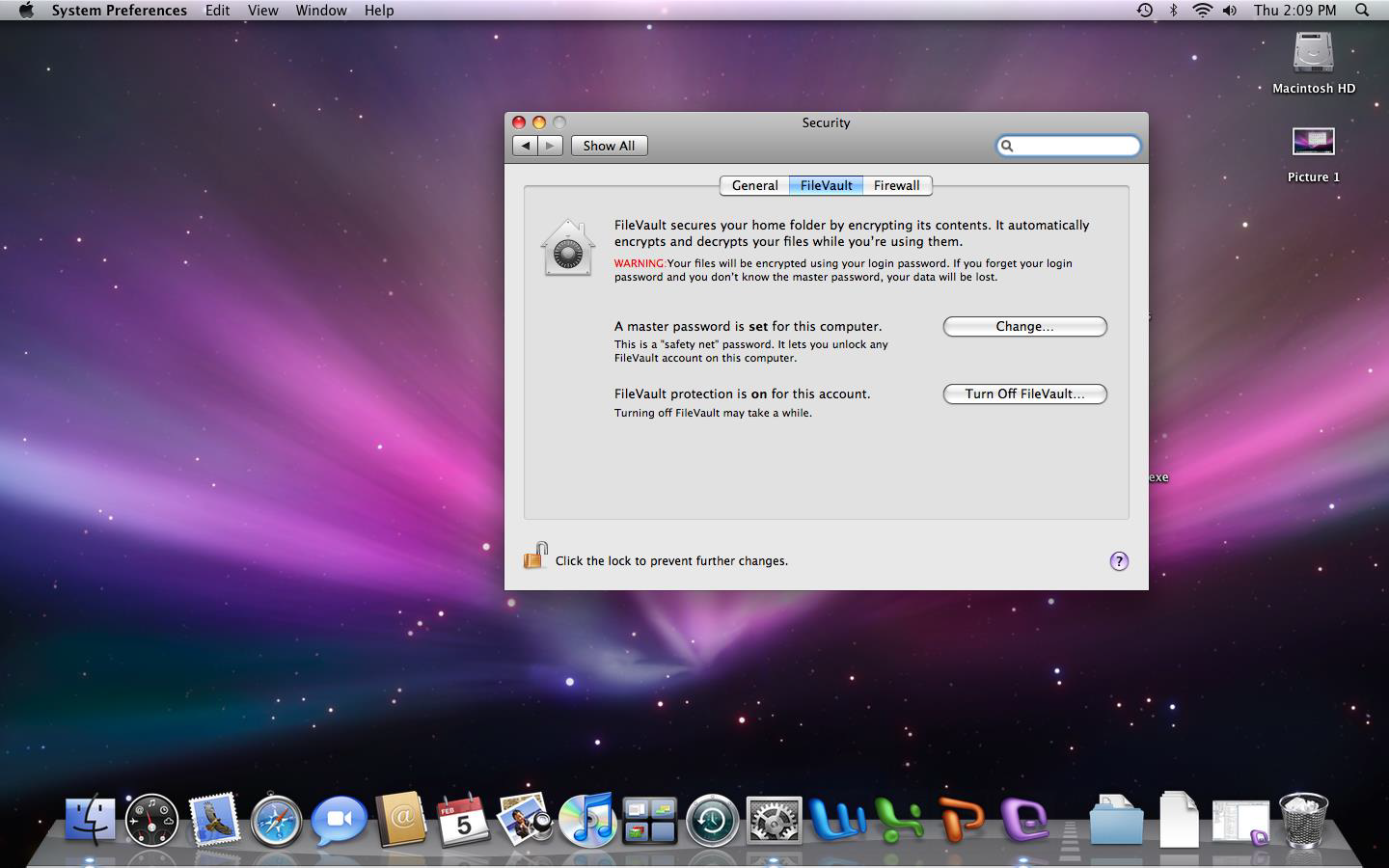
- It will ask the user to create a password to turn file vault on (have them choose something they remember)
- It will take anywhere from 5-60 minutes for file vault to encrypt all the documents
- Upon logging into the system now, users will be required to enter the password they created in the previous step.
0 Comments