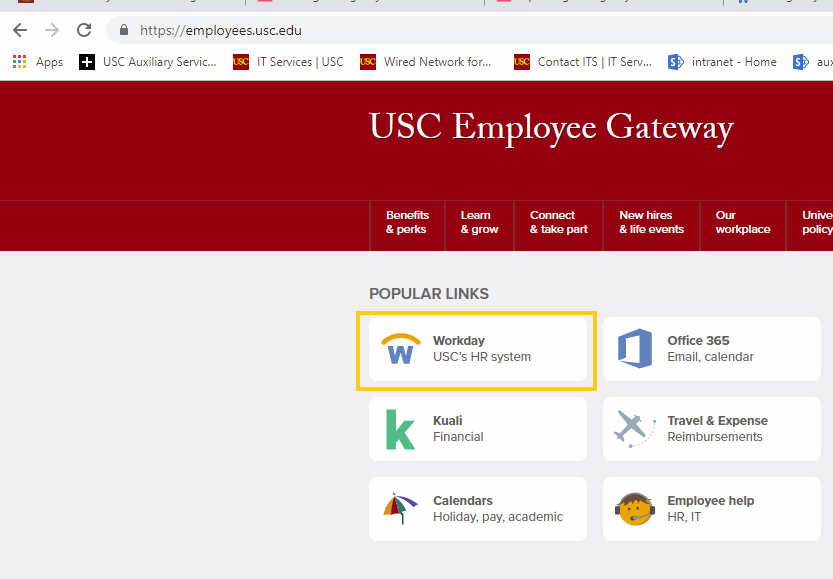
1. First, log into your Workday account through the USC Employee Gateway: https://employees.usc.edu
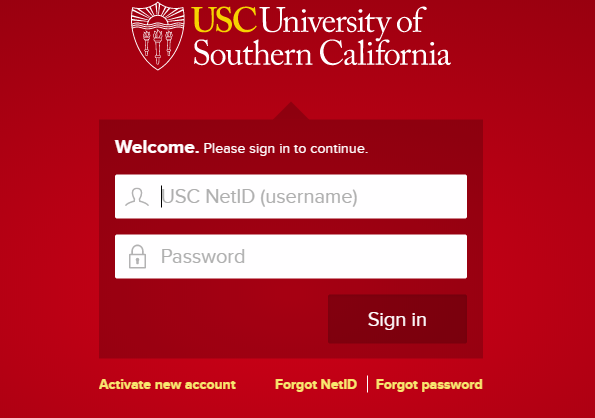
2. Then, enter your USC username and password/USC Shibboleth login information
3. Once on your Workday home page, click Personal Information
4. Click Edit
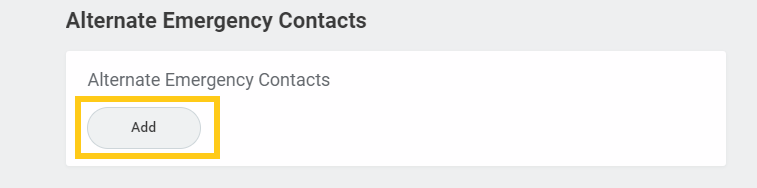
5. Under Alternate Emergency Contacts, click the edit icon
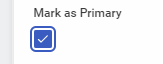
6. Edit accordingly. To make an alternate contact your primary emergency contact, check Mark as Primary. This will move give the contact #1 priority on your list of contacts
7. To adjust the priority of an alternate contact, change the priority number associated with the contact
8. To add an additional contact, click Add
9. To delete a contact, click the delete button. You may only delete a contact that is #2 priority or lower. To delete a primary emergency contact, first make an alternate contact primary instead
0 Comments