Voicemail issues are handled by ITS.
1. Follow this link: USC Voicemail Pin Reset Request
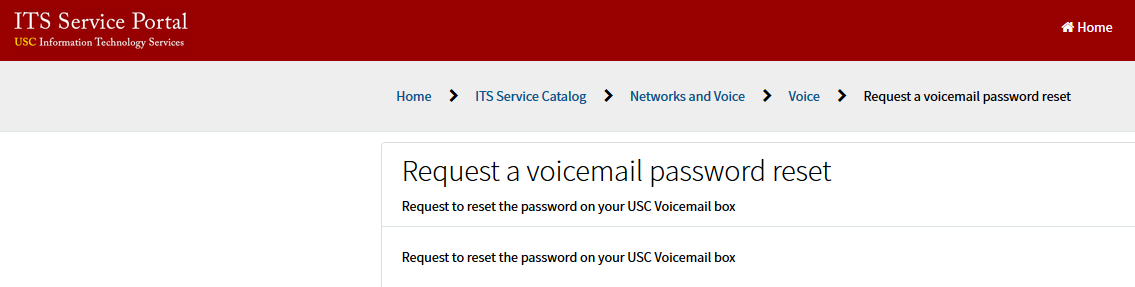
2. Please log in with your USC NetID and Password
3. Once logged in, please fill out the online request form, especially include the "short description" and "phone number associated with voicemail box to be reset" sections

4. After the required information is filled in, please select the "order now" button.
5. Once the order is submitted, you will receive an order confirmation email from ITS.
0 Comments