Android (version Android 10)
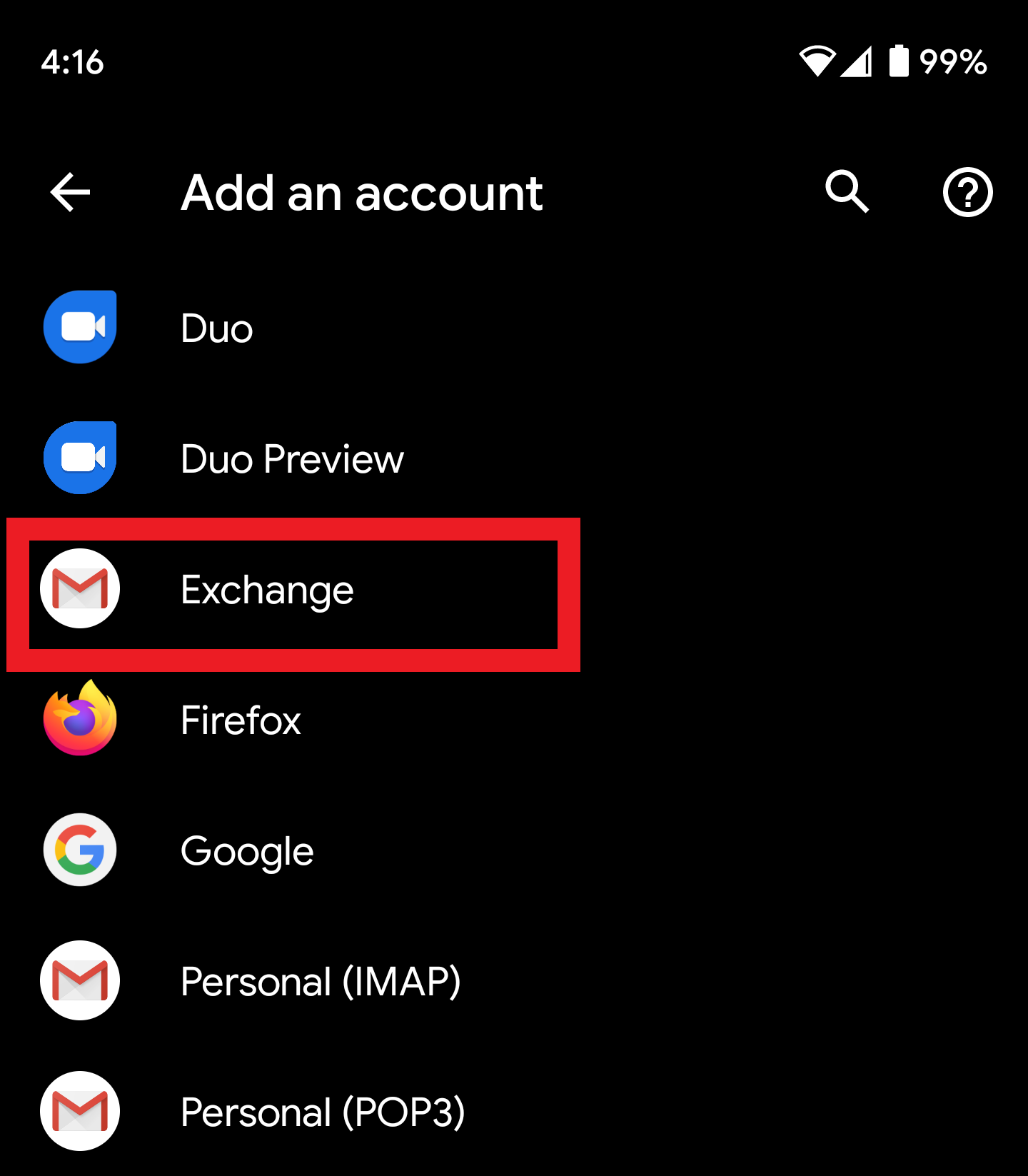
- Tap Settings > Accounts > Add account
- Tap Exchange
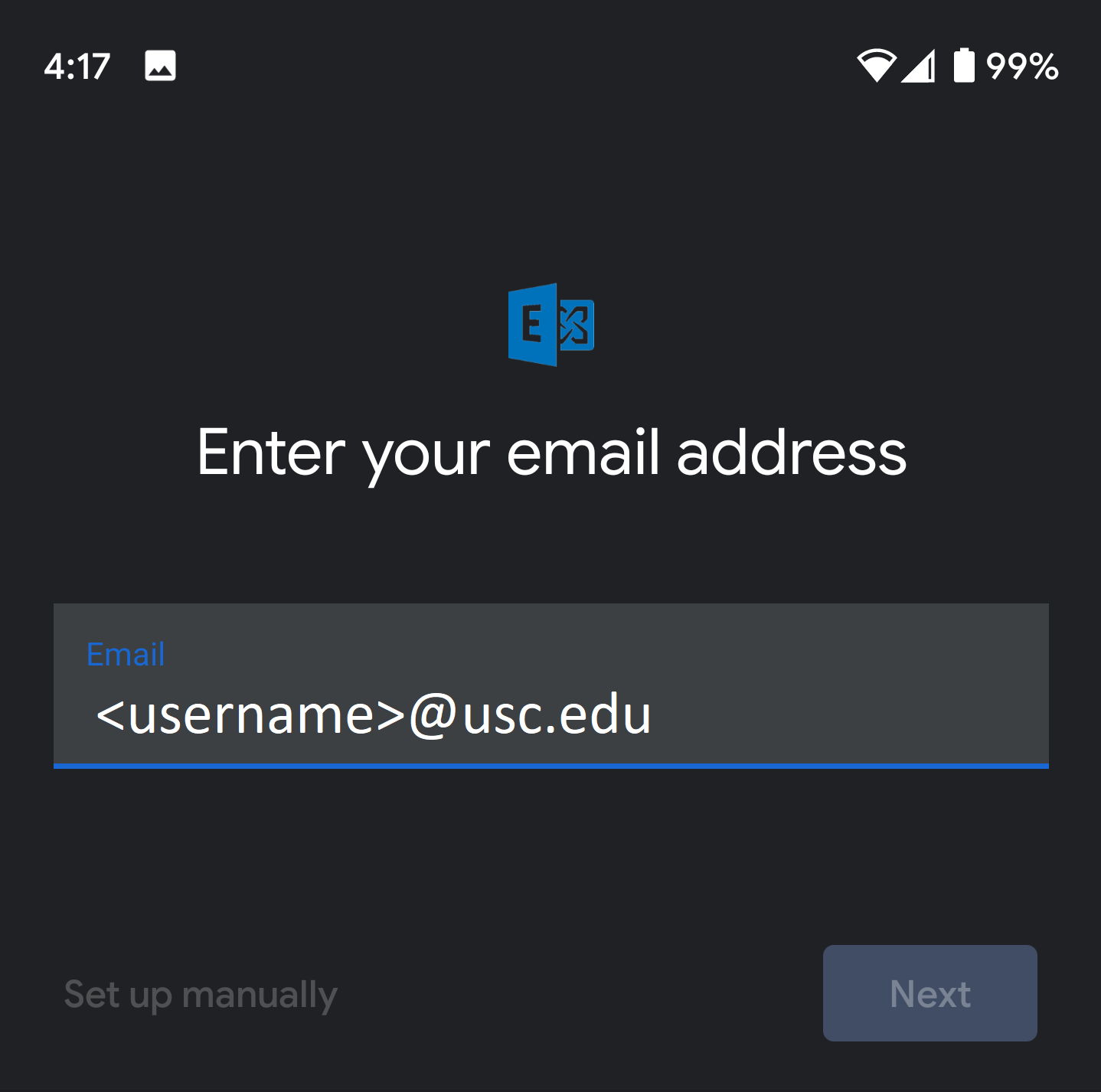
- Enter in your email address <username>@usc.edu and tap Next
- Enter in your password and tap Next. Everything should automatically pick up the proper settings.

Android (version Android 10)
0 Comments