iPhone and iPad (iOS 8)
- Tap Settings > Passwords & Accounts
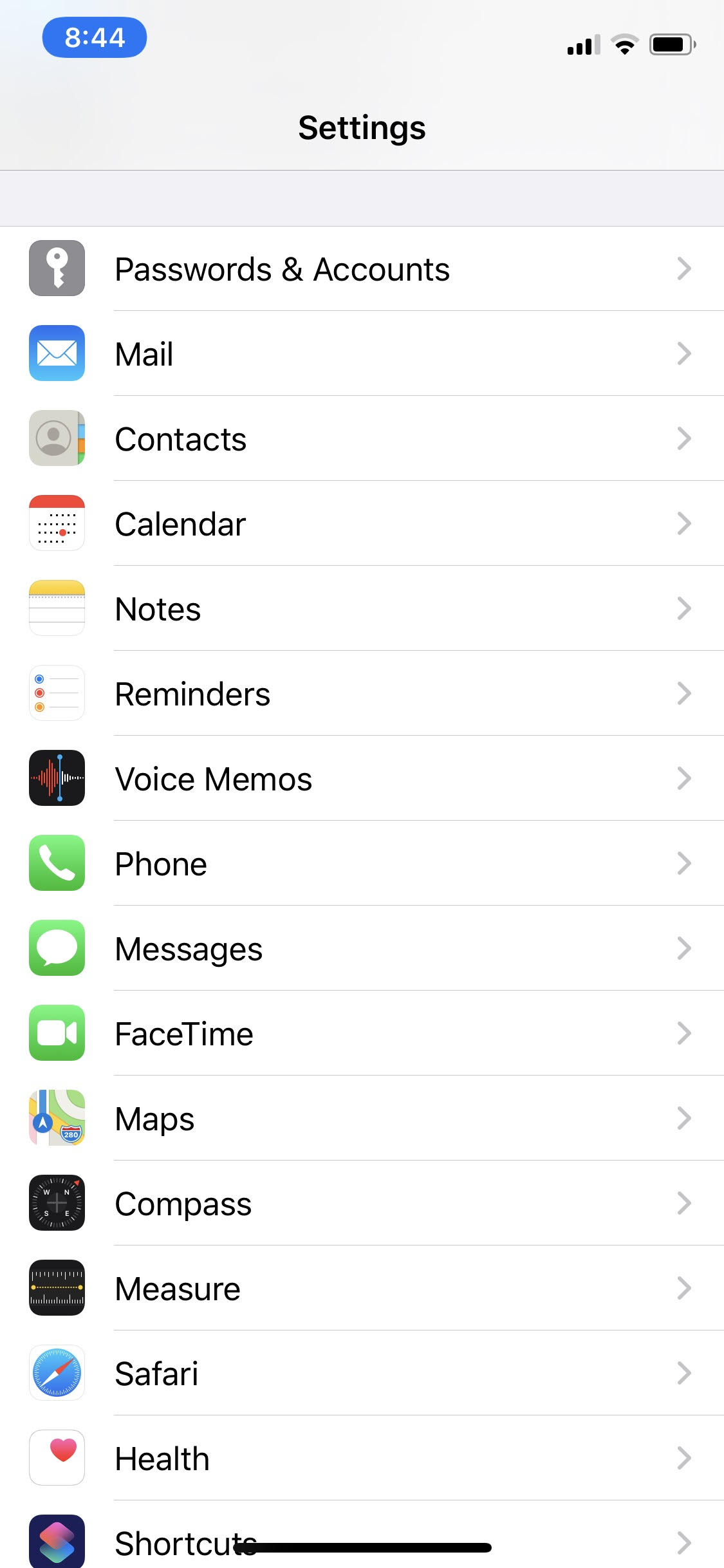
- Tap Add Account

- Tap Exchange

- Enter in Email address (<username>@usc.edu) and password. Tap Next
*For the description, you can enter in anything you would prefer: USC email, exchange, etc.
- The account should automatically synchronize; however, if it does not you can manually enter in the necessary information.
Fill in the information requested:
Email – <username>@usc.edu
Server – outlook.office365.com
Domain – <username>@usc.edu
Username – <username>@usc.edu
Password – password
Tap Next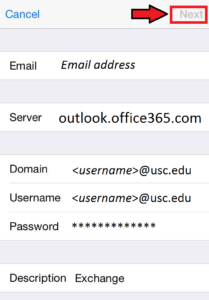
- Your email should now be accessible from your iPhone.
0 Comments