Submit a ticket/request: The new Help Center will provide an easy access option to notify IT of any issue.
1. Go to help center webpage https://uscauxiliary.zendesk.com/agent/
2. At the top right of the webpage, there is a link to “Submit a request”
3. If you would like to receive a call back, please remember to leave a preferred contact number.
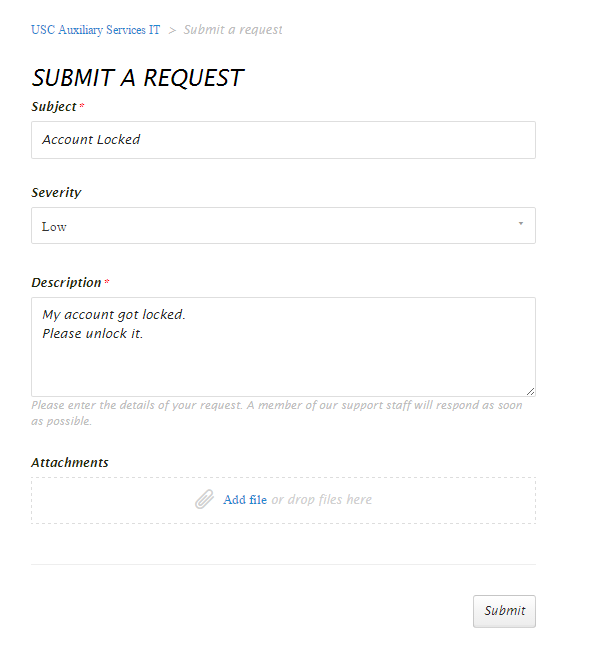
By clicking on this option you will get a form to complete. Fill the form and click on Submit to post your issue to the Auxiliary IT service desk.
0 Comments